





Pairly LogoPAIRLY.GG

ROSE, LTK MANAGER & LTK PATCHER: CURRENT DOWNLOADS

Rose runs on the LTK patcher from LTK Manager, and cslol-manager is the older mod manager. Their latest installers come from each project's GitHub release, with sourced setup steps below.

Downloads

  • Skin changer

    Rose

    Best choice for Riot skins. Preview every skin in champion select and apply your pick locally. Needs the LTK patcher from an LTK Manager install. Rose README

    Rose_Setup_1.4.9.exe
    24.8 MBMIT
    Version
    1.4.9
    1,102 downloads via Pairly1 per visitor a day

    Installation guideAlban1911/Rose
  • Custom skins

    LTK Manager

    Ships its own injection module, the LTK patcher, and is the tool that cslol-manager's README points to.

    LTK.Manager_1.32.2_x64-setup.exe
    23.2 MBGPL-3.0
    Version
    v1.32.2
    2,267 downloads via Pairly1 per visitor a day

    Installation guideLeagueToolkit/ltk-manager
  • Custom skins

    cslol-manager

    In maintenance mode: its own README points to LTK Manager, though it still publishes releases.

    cslol-manager-windows.exe
    35.6 MBGPL-3.0
    Version
    2026-04-15-23f2308
    318 downloads via Pairly1 per visitor a day

    Installation guideLeagueToolkit/cslol-manager

Getting started

Install, step by step

Choose a tool and follow the key steps from its own documentation. Pause or move through the slides at your pace.

01

Guide 01 / 03

Rose

Skin changer

Step 03 / 04

Add the LTK patcher files

Rose cannot ship the LTK patcher. Install LTK Manager, then copy ltk_patcher_host.exe and ltk_patcher_dll.dll from that install into the tools folder Rose opens at first launch. When a new game build retires the patcher, Rose tells you to update LTK Manager and replace both files.

Full walkthrough: Where the patcher files are, and the "outdated" fix

Skins change how you look, not your rank. For League of Legends we offer Rank Boost, Placements, Net Wins, Mastery, Normal Wins, Leveling and Coaching.


02

Guide 02 / 03

LTK Manager

Custom skins

Step 06 / 06

Enable it and launch League

Turn on the mod and press Start. Then open League from the Riot Client as usual; the patcher applies the mod when the game loads. Under Settings > General, switching Launcher flow to Modern turns Start into Play, which also asks the Riot Client to launch League (the README still marks that flow experimental).

Skins change how you look, not your rank. For League of Legends we offer Rank Boost, Placements, Net Wins, Mastery, Normal Wins, Leveling and Coaching.
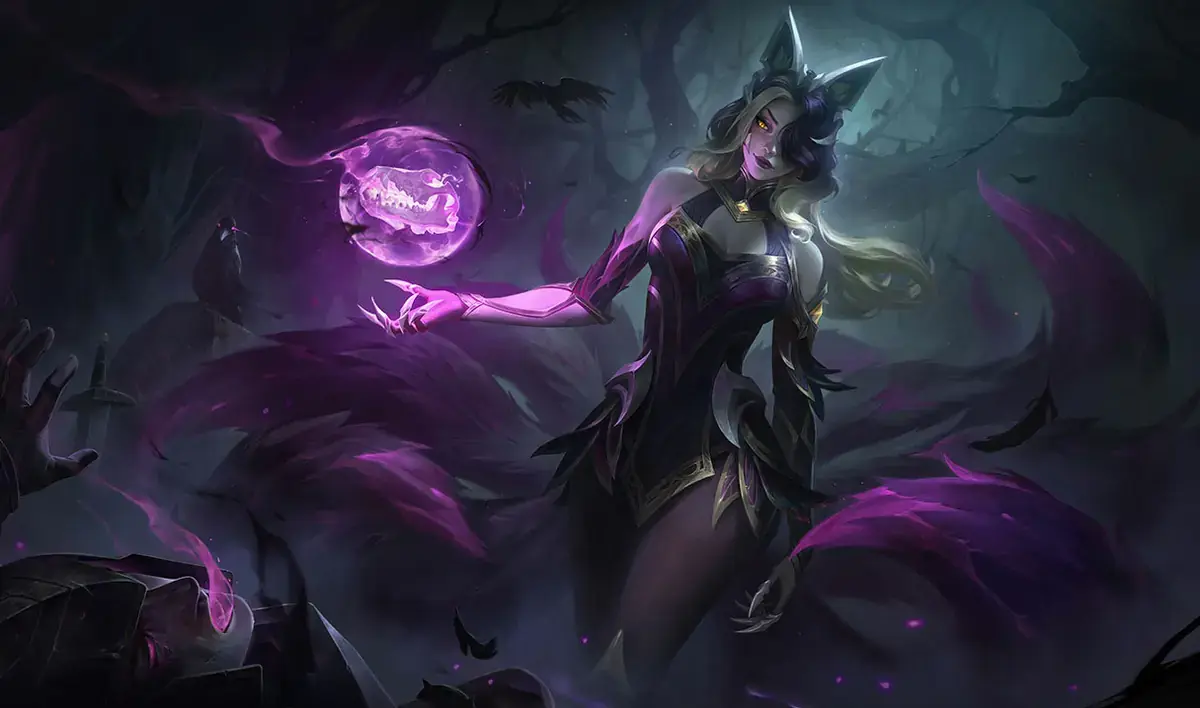
Step 01 / 04Rose: Run the installer

How an installer download works

  1. You press Download.

    Our server keeps a copy of the current release's installer and sends you that copy. If it cannot store a copy, it streams the file from GitHub instead.

  2. Our server asks GitHub for the project's latest release.

    The answer is kept for one minute and then asked for again before the page is served, so a new release shows here at most one minute after GitHub publishes it.

  3. The installer passes through this domain.

    Our server fetches the asset GitHub lists for that release once and keeps it only if the size matches, plus the SHA-256 when GitHub lists one. It deletes a copy that fails.

Which one to take

Two of these load fan-made skins from your own disk; Rose lets you preview and locally display Riot skins. Riot treats those differently, and its wording on each is quoted in full in our write-up on custom skins and skin changers, along with what each tool actually does to your client.

Want to play without friends seeing you online? Deceive does that for League, TFT and Valorant. If the rank is what you are actually after, a skin will not move it.

LoL boosting

LoL skin tools QUESTIONS

How Rose, LTK Manager and cslol-manager relate, and where LTK Manager runs.

Rose needs LTK Manager's patcher. Its README says it cannot distribute the LTK patcher because of DMCA restrictions, so you install LTK Manager and copy its two files, ltk_patcher_host.exe and ltk_patcher_dll.dll, into the tools folder Rose opens at first launch.

No. They are separate projects by different authors. Rose, by Alban1911, is a skin changer that previews and locally displays Riot skins, and borrows the LTK patcher from an LTK Manager install. LTK Manager, by League Toolkit, installs fan-made mods (.modpkg and .fantome files) and ships that patcher itself.

Not yet. LTK Manager runs on 64-bit Windows 10 and 11; its README lists macOS and Linux as planned. Riot-operated servers are supported, while Asian servers and Garena are not officially supported and may run into issues.

LTK Manager is the League Toolkit team's successor to cslol-manager, and cslol-manager's own README points to it. cslol-manager still publishes releases, and LTK Manager's default Start button works the way cslol-manager users already know: start the patcher, then open League from the Riot Client.

Questions about the patcher files themselves (where ltk_patcher_dll.dll is, a patcher that will not start, the signature check, Rose’s “patcher outdated” message) are answered in our Rose and LTK patcher setup guide.

FAQ sources, checked 16 October 2026: LTK Manager README, LTK Patcher License, Rose README.